
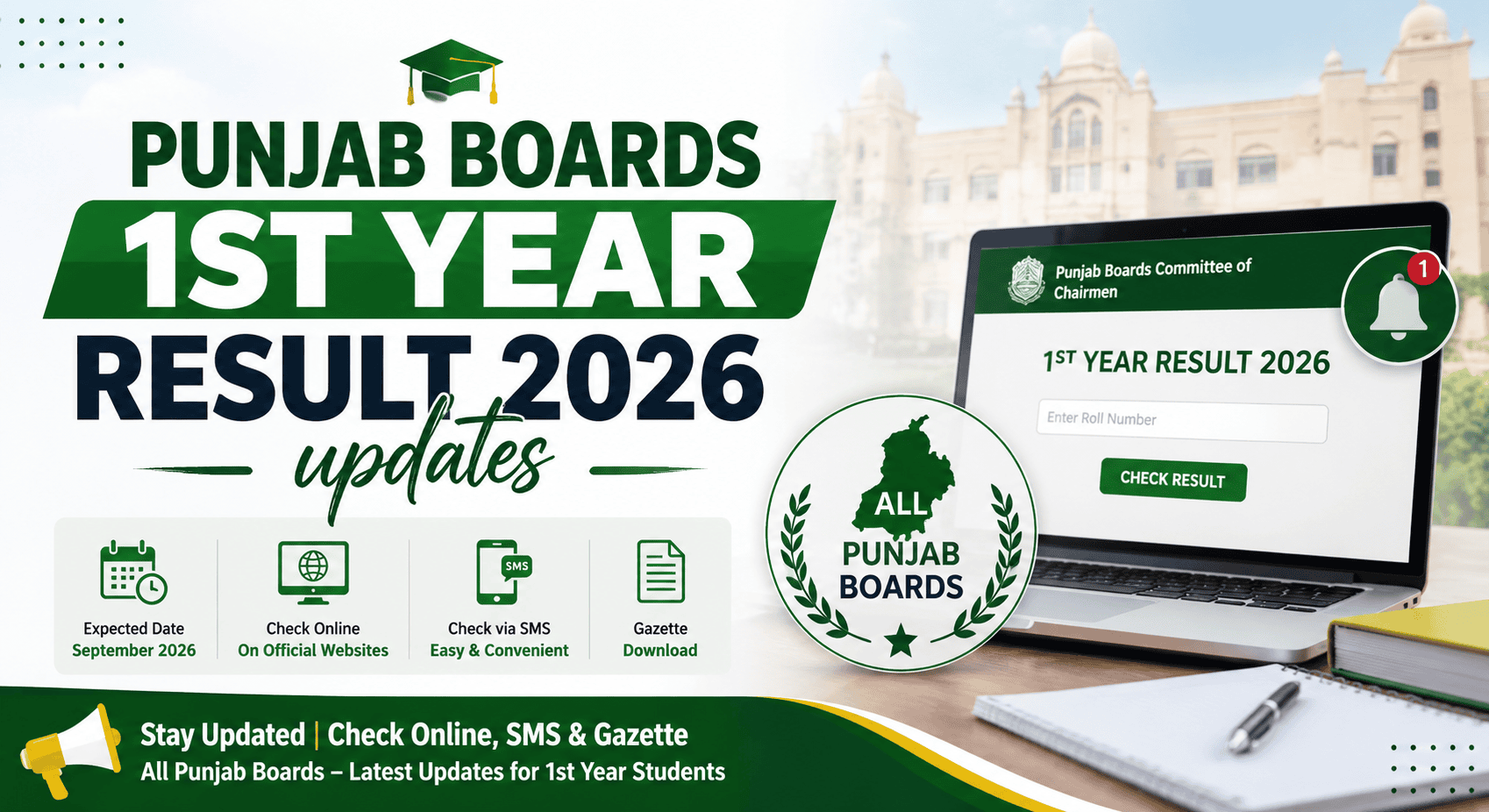
Waiting for your 1st year result 2026 can be stressful. If you appeared in the 11th class exams under a Punjab Board, you can check your result online, by SMS, or through the official result gazette.
This guide explains the simple ways to check your Punjab Board 11th class result 2026 and what you can do after receiving your marks.
Punjab 11th Class Result 2026: Quick Details
| Detail | Information |
| Exam | HSSC Part-I Annual Examination 2026 |
| Class | 11th Class / 1st Year |
| Boards | Lahore, Rawalpindi, Gujranwala, Multan, Faisalabad, Sargodha, Sahiwal, Bahawalpur and DG Khan |
| Result Date | To be confirmed by the Punjab Boards |
| Result Time | To be confirmed |
| Result Methods | Online, SMS and Gazette |
Important: The result date and time should be confirmed from your board’s official website before the announcement.
How to Check 1st Year Result 2026
There are several ways to check your 11th class result 2026. You can use your roll number online, send your roll number by SMS, or check the official result gazette.
1. Check 1st Year Result Online by Roll Number
Checking your result online is the easiest way to see your marks.
Follow these steps:
- Visit your board’s official website.
- Open the Results section.
- Select HSSC Part-I / 11th Class Result 2026.
- Enter your roll number.
- Click Search or Submit.
- Your result will appear on the screen.
You can save or print the result for your record.
For example, students under BISE Lahore can visit the BISE Lahore official website to check result information.
2. Check 11th Class Result by SMS
If you do not have internet access, you may be able to check your result through SMS.
To check your result:
- Open the SMS app on your mobile phone.
- Type your roll number.
- Send it to your board’s official SMS code.
- Wait for the result message.
Always check your board’s official website for the latest SMS code before sending the message, as codes and services can change.
3. Check Result by Name
Some Punjab Boards may also provide a result search by name.
If this option is available:
- Open your board’s official result website.
- Select the result search option.
- Enter your name and other required details.
- Search for your result.
The availability of name-based searches can vary by board.
4. Check the Result Gazette
The 11th class result gazette contains the results of students under the relevant board.
If your online result is not loading, the gazette can be another way to check the result. Boards usually publish the official gazette after the result is announced.
Check your board’s official website for the latest gazette and download instructions.
What to Do After Your 1st Year Result
Once your result is announced, check all your subjects carefully.
If You Got Good Marks
Congratulations! Your 11th class marks are an important part of your Intermediate studies. Keep working hard in 12th class to improve your overall result.
If Your Marks Are Lower Than Expected
Do not lose hope. You still have your 12th class exams ahead. Focus on your weak subjects and prepare well for the next exams.
You can also contact your college or board if you believe there is an issue with your result.
If You Failed a Subject
Check your board’s latest rules for the 2nd Annual Examination and other available options. The rules and deadlines can vary, so always confirm the details from your board.
If You Think Your Marks Are Incorrect
You may be able to apply for paper rechecking through your board. Check the official board website for the application process, fee, and deadline.
Punjab Boards Offering 1st Year Result 2026
Students can check their results through the board under which they appeared for the examination.
The Punjab Boards include:
- BISE Lahore
- BISE Gujranwala
- BISE Rawalpindi
- BISE Faisalabad
- BISE Multan
- BISE Sargodha
- BISE Sahiwal
- BISE Bahawalpur
- BISE DG Khan
Make sure you check the result through the correct board website.
Frequently Asked Questions
The official result date will be announced by the Punjab Boards. Students should check their board’s official website for the confirmed date.
You can check your result online using your roll number. Depending on your board, SMS and gazette options may also be available.
Yes. Visit your board’s official result website, select the 11th class result, and enter your roll number.
Yes, if your board provides an SMS result service. Send your roll number to the official SMS code provided by your board.
Some boards may offer a name-based result search. Check your board’s official result portal to see if this option is available.
The official result gazette is normally available through the relevant board’s website after the result is announced.
Don’t panic. Review your marks and contact your college or board if you believe there is an error. You may also check whether paper rechecking or improvement options are available.
If your board offers a rechecking service, you can apply through its official website. Check the current deadline, fee, and application procedure before applying.